13. Testing workflow
Status: draft
Chapter goal
A testing workflow where each finding is tied to a user task, a piece of evidence and an owner. Testing starts from the critical task, not from a tool. This chapter covers the layers, from automated audit to a manual walkthrough with VoiceOver, and what each one can and can't prove.
The situation
Checkout changed: a new address sheet and a new payment error. The team needs to know before release whether VoiceOver, Dynamic Type, Switch Control and the error recovery still work.
The usual answer is "the accessibility audit passed". That says the screen has no missing labels and no contrast warnings on the elements the audit could see. It doesn't say whether a VoiceOver user can recover from a declined card. That gap is Scanner Theater.
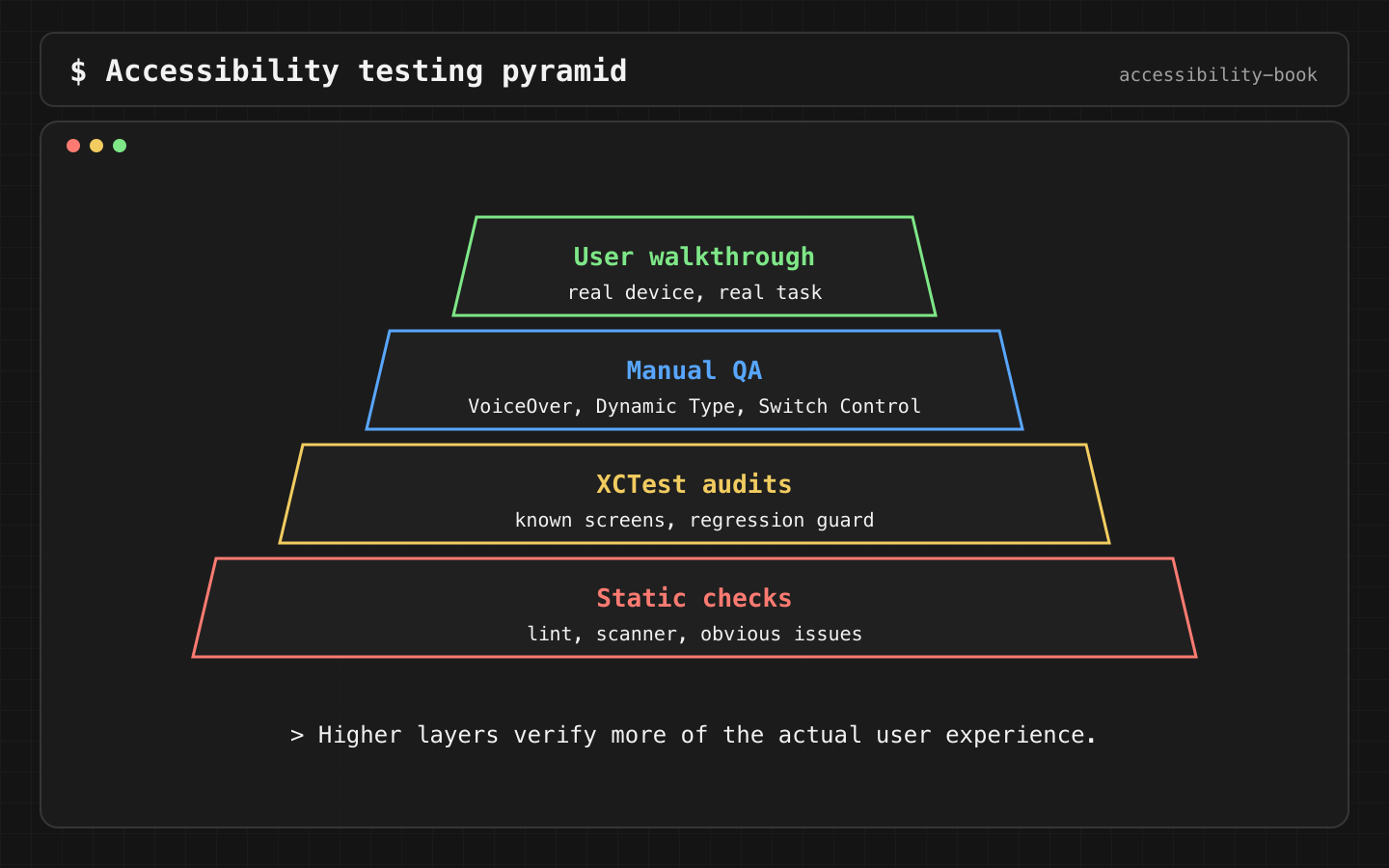
What each layer proves
| Layer | Catches | Doesn't catch | Cost |
|---|---|---|---|
| SwiftUI previews at several sizes | Clipping, overlap, layout at AX sizes | Anything about VoiceOver | Seconds, on every change |
| Accessibility Inspector | Missing labels, traits, hit areas, contrast, element order | Whether the order makes sense for the task | Minutes per screen |
performAccessibilityAudit() in XCTest |
The same classes of issues, automatically, on every run | Focus after errors, announcements, task flow | Once to write, then free |
| VoiceOver UI test (iOS 27+) | Actual speech, actual focus movement | Anything you didn't script | Hours to write per flow |
| Manual walkthrough on a device | Whether the task can be completed | Regressions between runs | 10–30 minutes per flow and profile |
No single layer is enough. The audit runs in CI on every PR. The manual walkthrough runs on critical flows before release.
Constraints
- Critical flows first: login, checkout, payment, forms, account recovery, support. Not the Settings screen.
- VoiceOver, Switch Control and Voice Control are tested on a device. The Simulator runs Accessibility Inspector, but not the VoiceOver speech or the gestures a user makes.
- An audit failure is triaged, not auto-filed. Some issues are false positives. Some are real but low impact.
Decision 1: Audit is a guardrail in CI
Verdict: performAccessibilityAudit() on every stable screen of every critical flow, on every PR.
func testCheckoutAudit() throws {
    let app = XCUIApplication()
    app.launch()
    openCheckout(in: app)

    try app.performAccessibilityAudit(for: [.dynamicType, .contrast, .elementDetection,
                                            .hitRegion, .sufficientElementDescription]) { issue in
        // Known, triaged exception: decorative divider flagged by contrast.
        issue.element?.identifier == "checkout.divider"
    }
}
The closure returns true for issues to ignore. Every ignored issue has a comment with the reason, so the exception is reviewed like code.
Why: the audit costs nothing after it's written and catches regressions like a missing label on a new icon. It runs on the Simulator, so it fits CI. It doesn't walk the task, so it can't replace the walkthrough.
Check: a new icon button without a label fails the PR build.
Decision 2: VoiceOver speech is asserted in UI tests
Verdict: for critical focus behavior, assert the actual speech. From iOS 27, XCTest can drive VoiceOver.
The book's demo uses XCUIVoiceOverService to record every transcript in this book:
@available(iOS 27.0, *)
var voiceOver: XCUIVoiceOverService { XCUIDevice.shared.voiceOverService }

func testModalFocusReturns() throws {
    launch("modal"); try voiceOver.enable()
    _ = try focus("8 Garden Street")              // moveForward() until reached
    app.buttons["8 Garden Street"].doubleTap()

    let speech = try voiceOver.currentSpeech().utterance
    XCTAssertTrue(speech.contains("8 Garden Street"), speech)
    try voiceOver.disable()
}
Two rules make these tests honest:
- Don't move focus to the expected element before asserting. If the test swipes until it finds the error text, it proves the error is reachable, not that focus moved there. The modal test above asserts
currentSpeech()right after the action. That proves the return. - Don't turn VoiceOver off and on around the action. Restarting VoiceOver resets focus to the top of the screen.
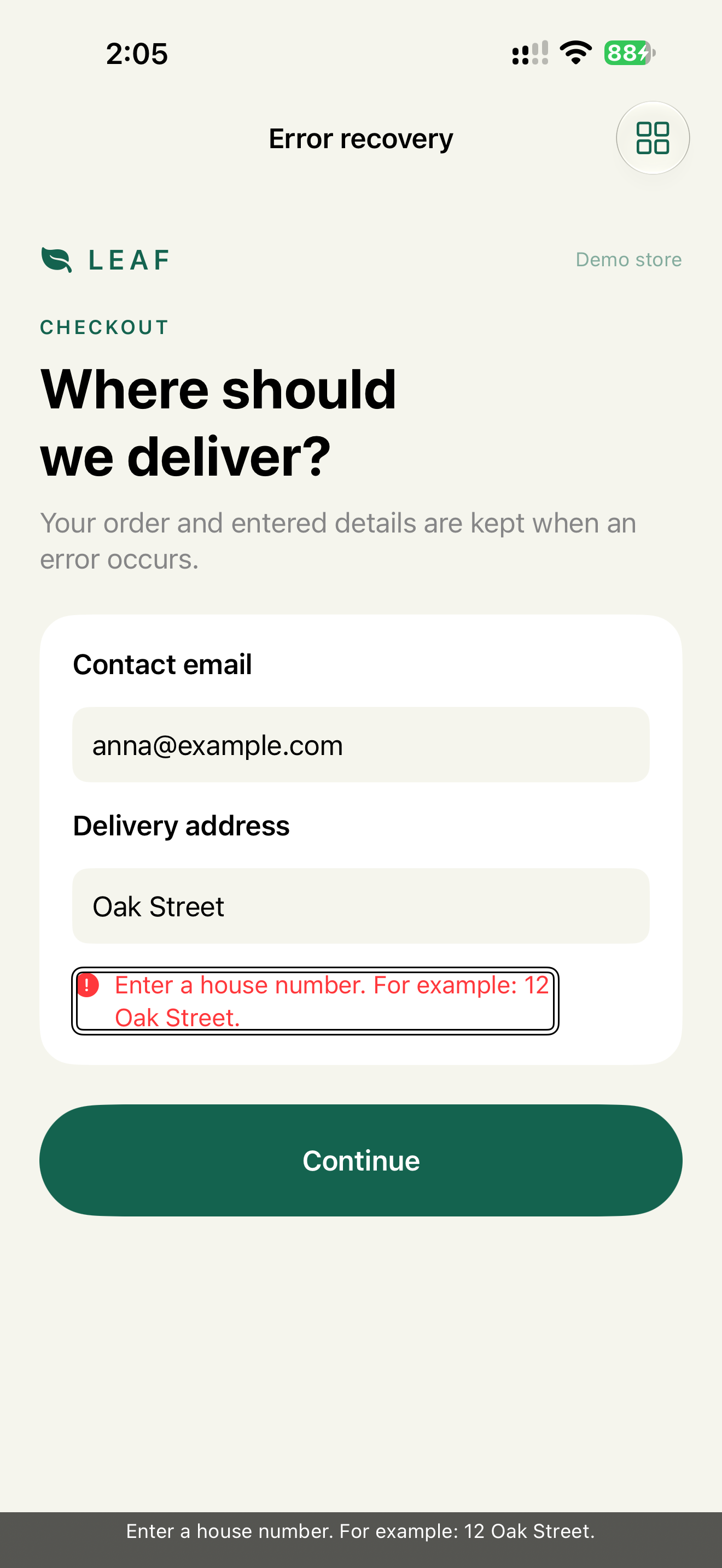
The demo's error test follows both rules. With VoiceOver on, it double-taps Continue and reads currentSpeech() without moving. The transcript on the device: "Continue Button", then "Enter a house number. For example: 12 Oak Street." If the app didn't move focus, the second line would still be "Continue" and the test would fail.
An earlier version of the same test broke both rules: it turned VoiceOver off, tapped Continue, turned it on and swiped down to the error. It passed, and proved nothing about focus.
VoiceOver UI tests need iOS 27 and run slower than regular UI tests. Keep them for focus and speech on critical flows. Device runs give the most realistic results.
Decision 3: A manual check is a task plus a profile
Verdict: never "check accessibility". Always a task, a profile, an expected result and the evidence to attach.
Profile:   VoiceOver
Task:      recover from a declined card
Expected:  focus moves to "Card declined. Try another card."
           the card field keeps its value
           Pay is reachable in 2 swipes
Evidence:  Caption Panel screenshot + transcript
The same task repeats with other profiles: Larger Text at AX5, Switch Control, Voice Control, Full Keyboard Access.
Why: "check accessibility" produces "looks fine". A task with an expected result produces pass or fail, and the record can be repeated next release.
Record format: Testing Evidence Record.
Decision 4: A bug title names the blocked task
Verdict: the title says who can't do what, and why.
Bad:   Button missing label
Good:  VoiceOver: can't confirm payment, Pay is read as "button"
Why: "missing label" gets P3. "Can't pay" gets triaged as a blocker. Severity comes from the blocked task, not from the type of bug. Severity matrix: Chapter 16.
A full report:
Title:     VoiceOver: can't confirm payment, Pay is read as "button"
Device:    iPhone 15, iOS 26.1, VoiceOver on
Steps:     1. Add tea  2. Open checkout  3. Swipe to the Pay button
Expected:  "Pay $2.50, button"
Actual:    "button"
Impact:    blocks purchase for VoiceOver users
Evidence:  caption-panel.png, transcript.txt
Decision 5: Legal scope means service scope
Verdict: when a flow is under a legal requirement (ADA Title II, European Accessibility Act, Web Accessibility Directive), test the whole service task end to end, and record the rule reference next to the task evidence.
Reference:    ADA Title II, WCAG 2.1 AA
Task:         pay a parking ticket
Profile:      VoiceOver
Steps:        find ticket → review amount → pay → receipt
Actual:       amount is not read before Pay
WCAG mapping: 1.3.1, 4.1.2
Decision:     release blocker
Why: the requirement is about the service working, not about one screen passing. Search, form, error recovery, payment, receipt and support are all in scope, including vendor screens like a payment SDK. The WCAG number classifies the finding. The walkthrough proves the result. Without the walkthrough it's Compliance Theater.
Details: Legal context without legal theater, Regulatory Evidence Map.
AI in the workflow
After a real finding, AI is good at suggesting where the same bug may also be:
Finding: Pay button has no label (VoiceOver reads "button").
Suggest adjacent checks on this screen and similar screens:
other icon buttons, selected states, error focus, Voice Control names.
Each suggestion is a hypothesis to check. Details: Chapter 14.
What we don't do
- We don't count an audit pass as an accessibility pass.
- We don't test VoiceOver on the Simulator.
- We don't write a VoiceOver test that navigates to the expected element and then asserts it's there.
Platform notes
- SwiftUI and UIKit: the same XCTest audit and VoiceOver service.
- AppKit:
performAccessibilityAuditworks on macOS too. VoiceOver on Mac, keyboard-only and menu checks are manual. Chapter 12.
Related catalog entries
- Scanner Theater: a tool pass replaces task evidence.
- Compliance Theater: compliance wording without task evidence.
- Silent Error: a typical bug this workflow catches.
- Testing Evidence Record: task, profile, evidence, owner.
- Regulatory Evidence Map: ADA, EAA, WAD and task evidence in one map.
- Evidence Based Release: from finding to ship decision.
- VoiceOver output debugging: guide.
Chapter takeaway
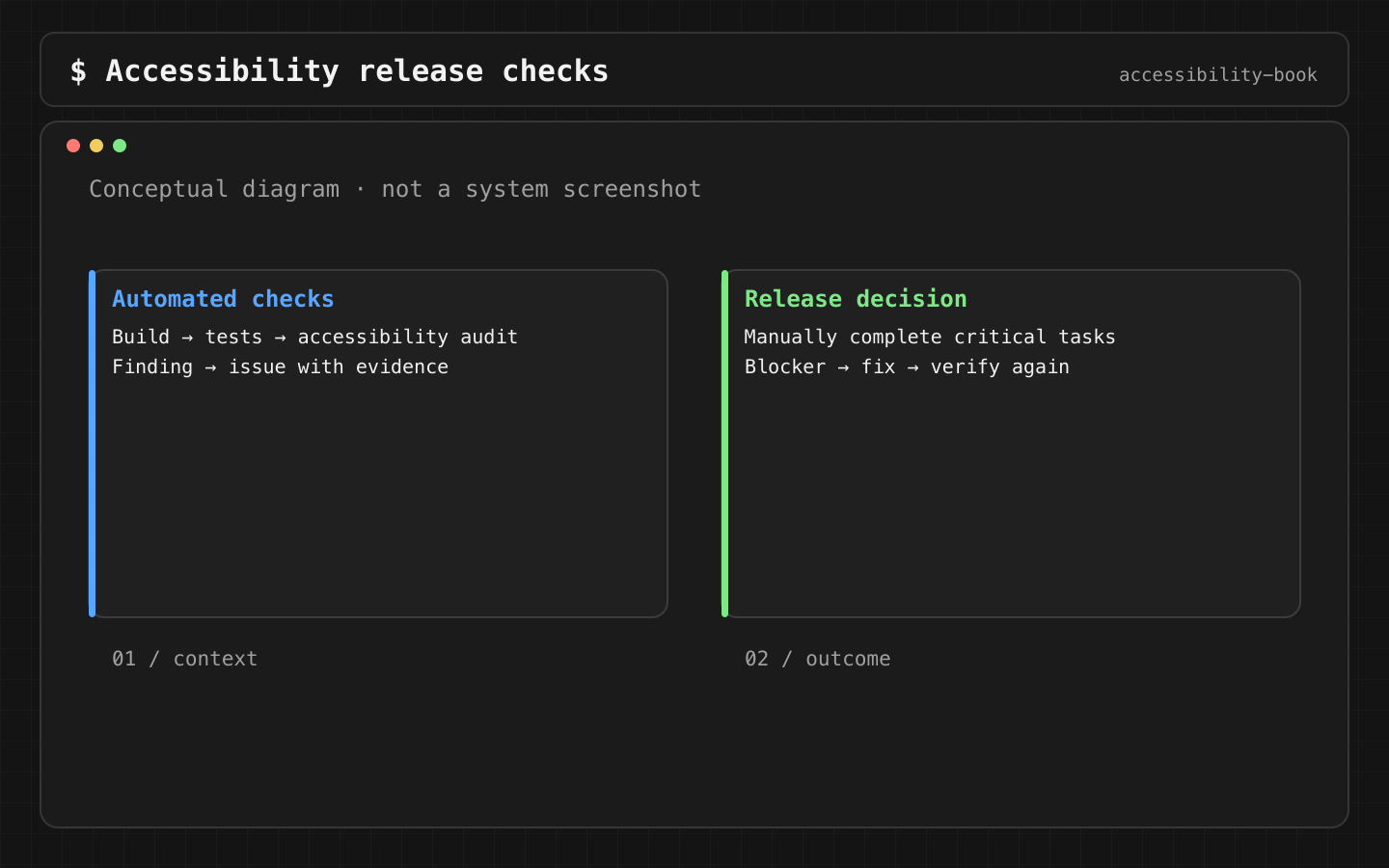
Audit in CI on every PR. Speech assertions for critical focus behavior. Manual walkthrough of critical tasks before release. Every finding names the blocked task.
Sources
- Apple Developer: Performing accessibility testing for your app
- Apple Developer: Performing accessibility audits for your app
- Apple Developer: performAccessibilityAudit
- Apple Developer: Accessibility Inspector
- Apple Developer: XCTest
- ADA.gov: Title II web and mobile app rule
- European Commission: Web Accessibility Directive standards