Dynamic Type Contract
Status: ready
Intent
Critical flows stay readable and completable at accessibility text sizes, up to AX5.
Problem
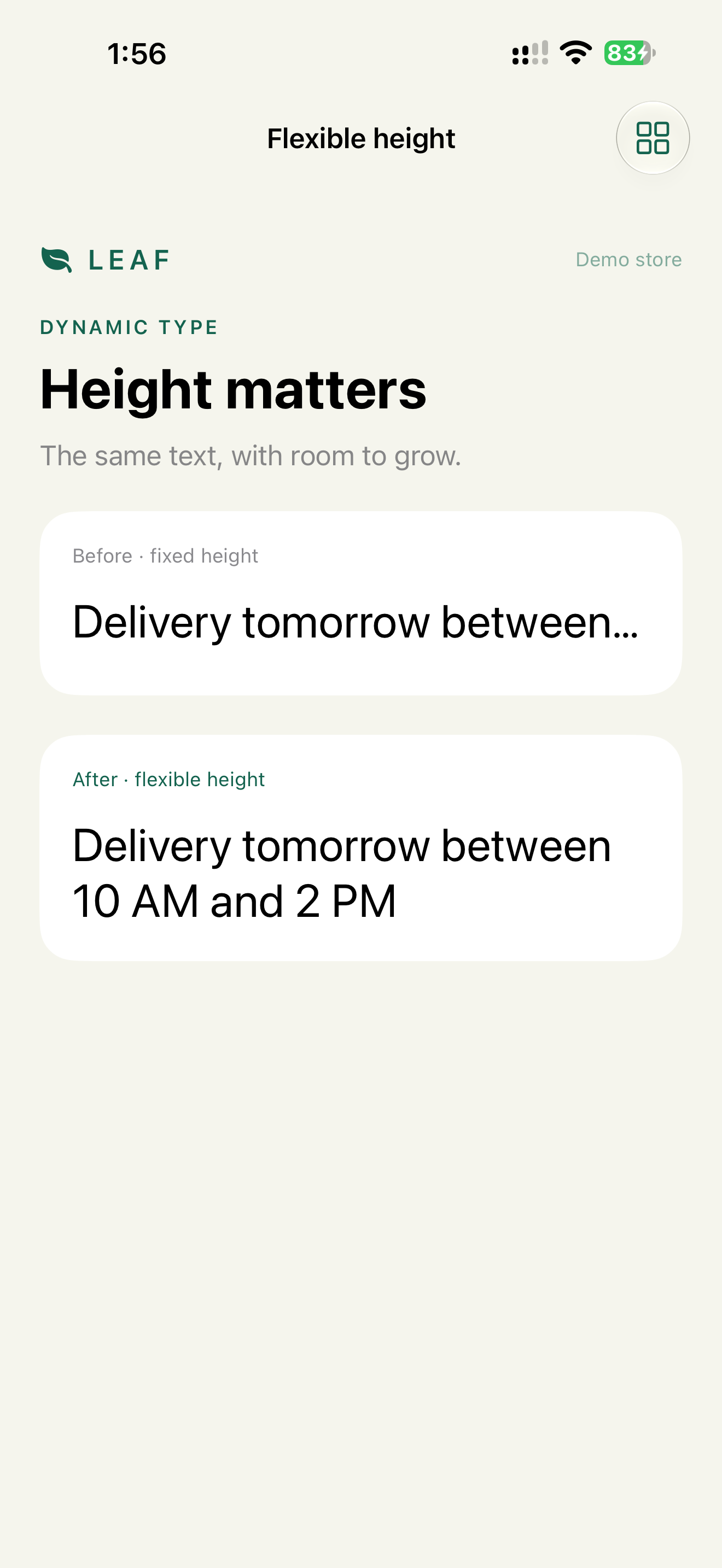
The default mockup passes. At a larger size, content is clipped, the primary button disappears, or text overlaps.
Solution
Verdict: text styles for all text, no fixed heights on anything that contains text, a vertical layout at accessibility sizes, and scrolling on every screen with a primary action. Larger text is a required state of the design, not a QA edge case.
Why: at AX5, body text is about 53 pt instead of 17 pt. A layout designed only at 17 pt can't hold that by adjusting a few constraints.
Implementation
Text styles. Custom fonts relative to a style:
Text(paymentError).font(.callout)
Text(total).font(.custom("Inter-SemiBold", size: 17, relativeTo: .body))
Spacing and icons next to text scale with it:
@ScaledMetric(relativeTo: .body) private var badgePadding = 8
Horizontal at default sizes, vertical at accessibility sizes:
@Environment(\.dynamicTypeSize) private var size

var body: some View {
    let layout = size.isAccessibilitySize
        ? AnyLayout(VStackLayout(alignment: .leading))
        : AnyLayout(HStackLayout())
    layout {
        title
        action
    }
}
AnyLayout keeps view identity when the size changes, so state and focus survive.
Previews with real content, at AX3 and AX5:
#Preview("Checkout AX5") {
    CheckoutView(error: "Payment failed. Check the expiration date and try again.")
        .environment(\.dynamicTypeSize, .accessibility5)
}
A short mock string says nothing. Use real errors, long names and the longest localization.
UIKit:
label.font = UIFontMetrics(forTextStyle: .body)
    .scaledFont(for: UIFont(name: "Inter-SemiBold", size: 17)!)
label.adjustsFontForContentSizeCategory = true
label.numberOfLines = 0
Check
Profile:   Larger Text AX3 and AX5, on a device
Task:      checkout, account recovery, support form
Expected:  no truncated text in fields, prices, errors or buttons
           primary action reachable by scrolling
           each error stays next to its field
Profile:   German or Russian, AX3
Task:      the same flow
Expected:  button verbs not truncated, rows grow, nothing overlaps
Pitfalls
- Approving only short English strings.
- Fixed heights on rows with text.
.minimumScaleFactoras the main fix. It shrinks text back down for the user who asked for it larger.- Testing Profile and skipping Checkout.
- The keyboard covering the only recovery action.
WCAG mapping
1.4.4 Resize Text: text resizes to 200% without loss of content or function.1.4.10 Reflow: content reflows instead of scrolling in two directions.