Testing Evidence Record
Status: ready
Intent
Every accessibility claim that matters has a record: which task, with which profile, what happened, and the evidence.
Problem
The tool says pass, AI says it looks fine, the PR says "accessibility done", and nobody knows whether a user can finish checkout, recover an account or reach support.
Solution
Verdict: one record per task per profile. Task, profile, device, OS, build, result, evidence, impact, owner, next step. Small enough that the team actually fills it in.
Why: a record can be checked, repeated next release and compared. "Tested" without a record can't. It's also what App Store labels and legal statements are based on.
Implementation
Basic record:
Task:      recover from a declined card
Profile:   VoiceOver
Device:    iPhone 17 Pro Max, iOS 27.0.1
Build:     4.12.0 (4120)
Result:    fail
Actual:    the error appears, focus stays on Pay
Evidence:  transcript.txt, caption-panel.png
Impact:    user can't continue checkout
Owner:     checkout team
Next:      fix before release
With legal scope:
Rule:          ADA Title II, WCAG 2.1 AA
Task:          submit a permit request
Profile:       VoiceOver
WCAG mapping:  3.3.1, 4.1.2
Result:        fail
Actual:        the error appears visually, focus stays on Submit
Decision:      blocker
Owner:         permits team
Before and after a fix, with the exact output, not a paraphrase:
Before:  "Pay, button"            the error isn't reached
After:   "Card expired. Enter a date after 11/26."   focus on the error after Pay
Result:  pass
Evidence bundle:
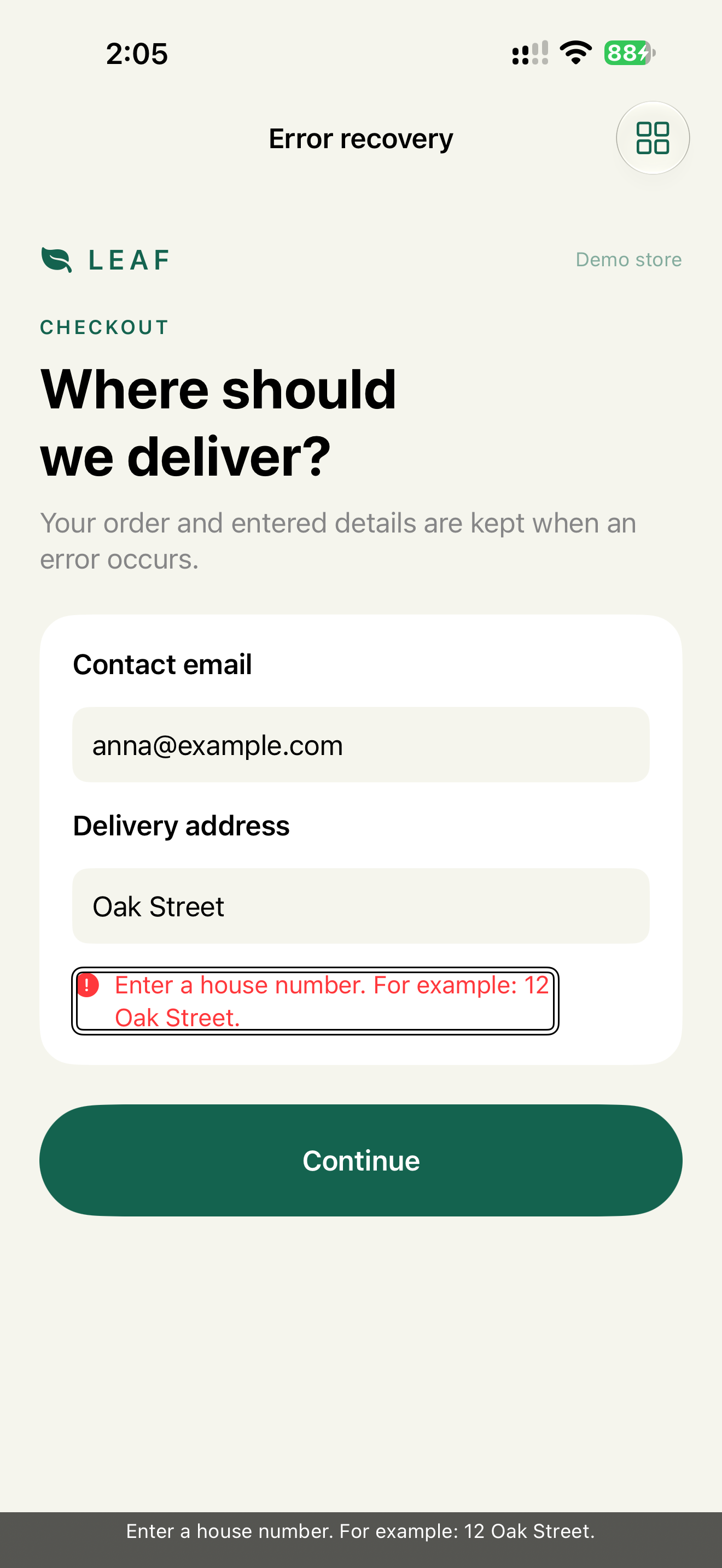
1. Screenshot with the focused element (Caption Panel on)
2. VoiceOver transcript
3. Larger Text screenshot, if layout is involved
4. Device, iOS version, build
Findings from tools and AI get a status and a source:
Finding:   toolbar button has no name
Source:    XCTest audit
Status:    confirmed
Impact:    user can't identify "Share receipt"
Owner:     orders team
Finding:   payment error may not get focus
Source:    AI triage
Status:    hypothesis
Check:     VoiceOver walkthrough of the declined card flow
Owner:     checkout QA
Check
Profile:   QA lead, before release
Task:      review the records
Expected:  every critical task has a record per required profile
           every fail has an owner and a decision
           no record without device, OS and build
Profile:   PR reviewer
Task:      review an accessibility fix
Expected:  before and after output included
           the regression check is named
Pitfalls
- A record without an owner.
- An AI summary counted as a check.
- A scanner score instead of a walkthrough.
- Only the happy path.
- Real user data in screenshots or transcripts.
- A format so heavy that nobody updates it.
WCAG mapping
A record can include a WCAG mapping. The mapping classifies the finding. The result proves it.
For legal evidence, use the version the rule points to. ADA Title II and EN 301 549 v3.2.1 reference WCAG 2.1. WCAG 2.2 can be the internal baseline, but don't swap the reference silently.
Related smells
- Scanner Theater
- Silent Error
- AI Verification Theater
- Announcement Spam
- Skeleton Noise
- Disabled Mystery
- Color Only State
- Mystery Icon
- Compliance Theater
- Vendor Blind Spot