Mystery Icon
Status: ready
Symptom
An icon button has an action but no name. VoiceOver says "button", reads the asset name ("icClose") or reads the SF Symbol name ("square and arrow up"). Voice Control has no word to call it by.
Where it shows up
Close, search, share, favorite, filter, info, cart, playback controls, toolbar actions, map controls, product cards.
Why it blocks the task
A VoiceOver user can't tell what the button does without activating it. On a button that deletes, submits or shares, that's a guess with consequences. A Voice Control user has to fall back to "Show numbers" for every icon. Sighted users don't always read the glyph the same way either: a heart can mean "favorite", "like" or "health".
square and arrow up, button
heart, button
icClose, button
The user hears the shape or the file name, not the task.
Root cause
The team decided the icon explains itself. The control has an action but no task name.
- No visible text and no
accessibilityLabel. - The asset name leaks into the label.
- The label describes the shape ("heart"), not the task ("Add to favorites").
- The same icon repeats in a list without the object name.
accessibilityIdentifierwas mistaken for a user-facing label. It isn't read.- Nobody tried the screen with Voice Control.
Before
Button {
    share()
} label: {
    Image(systemName: "square.and.arrow.up")
}
VoiceOver says:
square and arrow up, button
Fix
Verdict: every icon button gets a short, localized task name. Visible text when there's room, accessibilityLabel when there isn't.
Why: the name is what VoiceOver reads, what Voice Control matches and what a support agent says on the phone.
SwiftUI, icon only:
Button {
    shareReceipt()
} label: {
    Image(systemName: "square.and.arrow.up")
}
.accessibilityLabel("Share receipt")
SwiftUI, visible text. No extra label needed, the visible text is the name:
Button {
    openFilters()
} label: {
    Label("Filter results", systemImage: "slider.horizontal.3")
}
UIKit:
closeButton.accessibilityLabel = "Close"
shareButton.accessibilityLabel = "Share receipt"
favoriteButton.accessibilityLabel = "Add jasmine tea to favorites"
When the icon repeats in a list, the label names the object: "Add jasmine tea to favorites", not "Favorite" ten times. If the button also has visible text, keep that text in the Voice Control names, otherwise "Tap Add to cart" doesn't match:
addToCartButton.accessibilityLabel = "Add jasmine tea to cart"
addToCartButton.accessibilityUserInputLabels = ["Add to cart", "Add jasmine tea"]
In SwiftUI the same thing is .accessibilityInputLabels([...]).
The label doesn't include "button". The trait adds it.
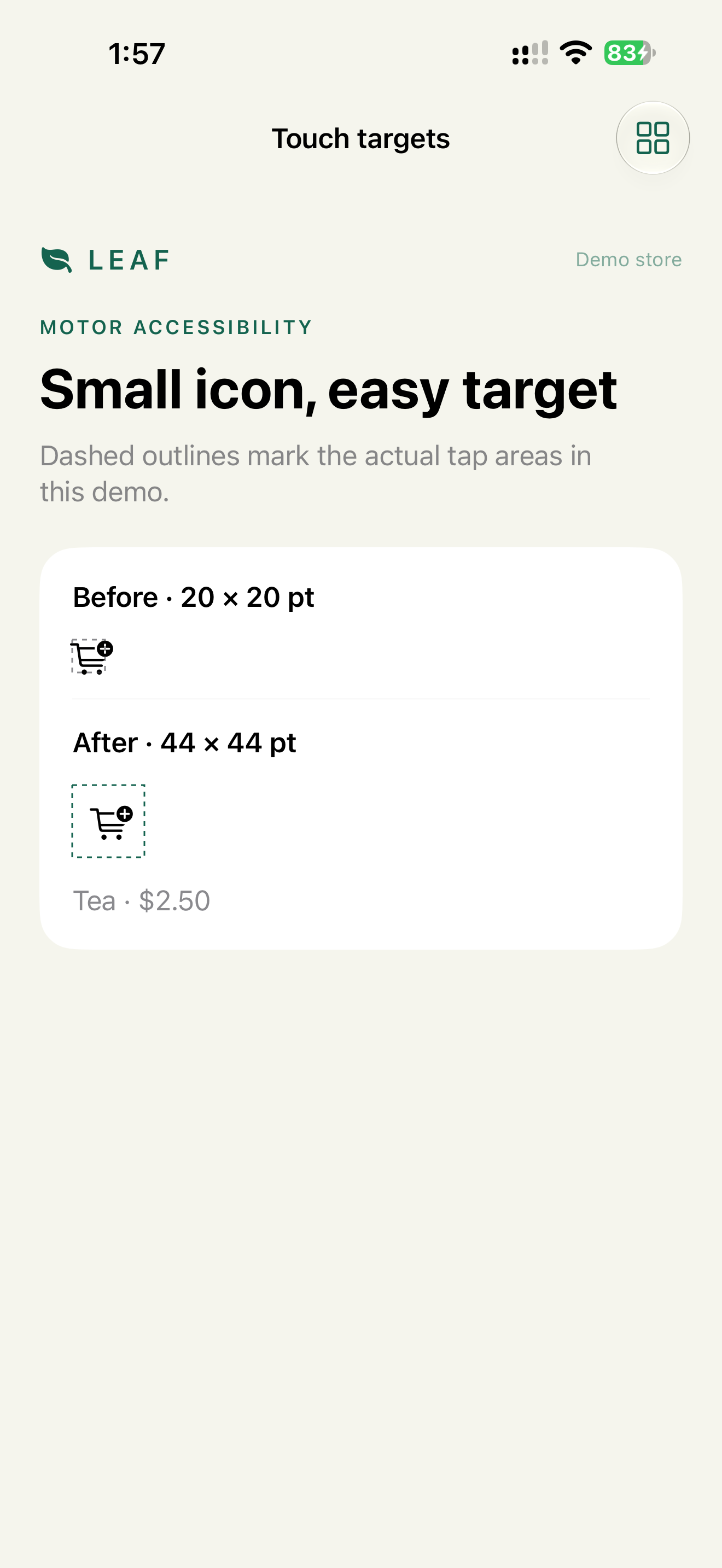
A named icon button still needs a 44 × 44 pt hit area. That's a separate smell: Tiny Target.
Check
Profile:   VoiceOver
Task:      swipe through the toolbar and one product row
Expected:  every icon button has a task name
           no asset or symbol names are spoken
           no label contains "button"
Profile:   Voice Control
Task:      "Tap Share receipt", "Tap Close", "Tap Add to cart"
Expected:  each command activates the right control
           repeated icons show numbers only where the user said the shared visible text
WCAG mapping
4.1.2 Name, Role, Value: the control has a name and a role.2.5.3 Label in Name: the accessible name contains the visible text.1.1.1 Non-text Content: the icon has a text alternative.
App Store and product risk
An unnamed icon in checkout, banking, health or account flows can block the task outright. A team that claims the VoiceOver or Voice Control label in App Store Connect has no evidence for that flow.