Switch Control scanning
Status: draft
When to use this guide
Touch works, and nobody knows how the screen behaves with Switch Control: how many steps it takes to reach the main button, whether scanning gets stuck in a list, whether secondary actions are reachable.
How it works
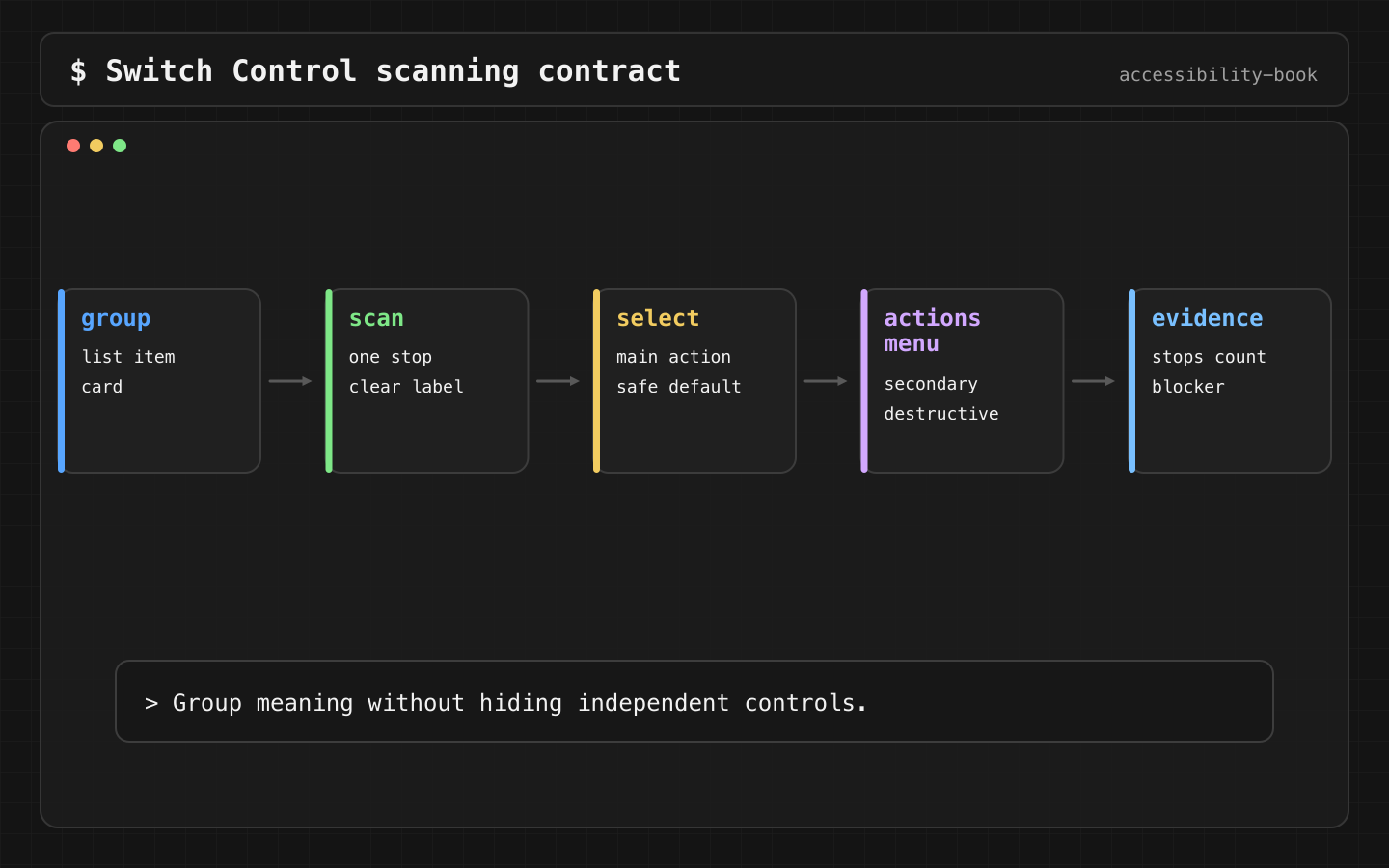
Switch Control highlights items one after another. The user selects the highlighted item with a switch, which can be an external switch, a tap on the screen, a head movement seen by the camera, or a sound. Every extra stop is another wait or another press. A card with 6 stops in a list of 20 is 120 stops.
Selecting an item opens the scanner menu, with Tap and, if the element has them, its custom actions.
The rule
Verdict: one stop per object, with secondary actions as custom actions. Primary and frequent actions stay separate buttons. Destructive actions have a confirmation.
Why: fewer stops is less time and fewer presses. Custom actions keep secondary actions reachable from the scanner menu without adding a stop to every card.
Implementation
SwiftUI:
OrderCard(order)
    .accessibilityElement(children: .combine)
    .accessibilityAction(named: "Cancel order") { confirmCancel(order) }
UIKit:
cell.isAccessibilityElement = true
cell.accessibilityLabel = "Order 1042, Delivered, $24.80"
cell.accessibilityTraits = .button
cell.accessibilityCustomActions = [
    UIAccessibilityCustomAction(name: "Cancel order") { [weak self] _ in
        self?.confirmCancel(order)
        return true
    }
]
Before:
Order 1042
8 Garden Street
$24.80
Delivered
Cancel
Reorder
6 stops per card.
After:
Order 1042, Delivered, $24.80, button
Reorder order 1042, button
2 stops per card, with "Cancel order" in the scanner menu.
What we don't do
- We don't combine the whole screen into one element. Fewer stops, nothing reachable.
- We don't put a primary action only in custom actions.
- We don't put a destructive action next to a frequent one without a confirmation. A late press lands on the next item.
Check
Profile:   Switch Control, auto scanning
Task:      reorder order 1042
Expected:  done without touching the screen
           the number of stops to the button is written down
           "Cancel order" is in the scanner menu and asks for confirmation
Write down the stop count. Accessibility Inspector shows whether a card is one element, but not how long scanning takes.
Task:               cancel order
Profile:            Switch Control
Stops before fix:   18
Stops after fix:    5
Remaining risk:     none, confirmation added
The audit catches hit regions and missing names on the same screen:
try app.performAccessibilityAudit(for: [.hitRegion, .sufficientElementDescription])
Grouping on design system cards is easy to break. A snapshot of the accessibility tree catches a card that splits back into 6 elements. Accessibility testing toolkit.
Check VoiceOver and Voice Control on the same screen. Grouping that's too broad hides details from VoiceOver and names from Voice Control.
Related materials
Chapter 3, Chapter 7, Chapter 13, Swipe Trap, Over Grouped Control, Right Sized Grouping, Accessible Card, Gesture Alternative, Accessibility testing toolkit.
Sources
Apple Support: Set up and turn on Switch Control, Apple Support: Use Switch Control to select items, Apple Developer: UIAccessibilityCustomAction, Apple Developer: Performing accessibility audits for your app.